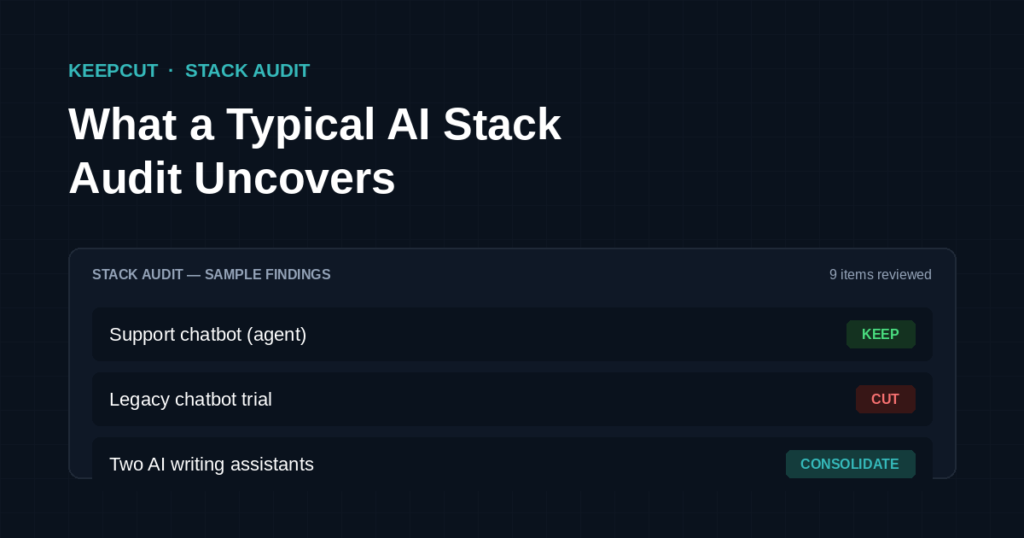
Every audit is different, but the patterns repeat. Here’s a composite walkthrough — built from the kinds of findings that show up again and again — of what this process actually looks like in practice.
Before a business ever brings us in, the same question usually comes up: what does this actually find? Rather than answer that in the abstract, here’s a realistic walkthrough of a typical small-business stack — the kind of lineup we see constantly — and how the Audit → Recommend → Monitor process plays out against it.
A Typical Starting Lineup
Picture a small business roughly a year into using automation and AI tools seriously. Nine active tools and subscriptions, touching marketing, scheduling, and day-to-day operations. On paper, every single one was a reasonable decision at the time. That’s usually how tool sprawl happens — not through carelessness, but through a series of individually sensible “yes” decisions that nobody ever revisits.
Here’s what that inventory typically looks like:
| Tool | Monthly Cost | Purpose |
|---|---|---|
| Automation platform (workflow builder) | $50 | Running core business automations |
| CRM / booking tool | $0 (free tier) | Client scheduling |
| AI writing assistant #1 | $20 | Drafting client reports |
| AI writing assistant #2 | $20 | Drafting outreach emails |
| Note-taking / knowledge base app | $10 | Internal documentation |
| Old project-management tool | $15 | Leftover from a previous business idea |
| Email marketing platform | $29 | Newsletter, unused for 3 months |
| Cloud storage add-on | $10 | Backup for client reports |
| Legacy chatbot trial | $49 | Signed up to test, never fully implemented |
Total: $203/month. Not a shocking number on its own — but that wasn’t really the point of the audit.
What Audits Like This Actually Find
The dollar figure is rarely the interesting part. The real findings are almost always about behavior, not cost:
Two tools doing the same job. Both AI writing assistants get subscribed to “in case one is better for a specific task.” Months later, only one has actually seen real use. The second is pure inertia — a subscription nobody actively decided to keep, it just never got actively canceled either.
A tool actively costing money to do nothing. A legacy chatbot trial auto-converts to a paid plan after the trial period ends, and sits completely unused for two full billing cycles. This is the single most common finding in early-stage audits — not because anyone is careless, but because nobody has time to audit their own recurring charges while actually running the business.
A tool solving a problem that no longer exists. An email platform set up for a newsletter strategy that quietly got deprioritized months ago. The subscription keeps renewing anyway, because canceling requires actively noticing the problem — and nobody schedules time to notice problems that aren’t currently on fire.
The Verdict
Running the Keep / Cut / Consolidate framework against a lineup like this typically produces something close to:
KEEP (4 tools): The automation platform, the CRM, one AI writing assistant, and the cloud storage add-on. Each has clear, current, active use.
CUT (3 tools): The legacy chatbot trial, the old project-management tool, and the unused email platform. None have a realistic plan to become useful again — just inertia keeping them alive.
CONSOLIDATE (2 tools → 1): The two AI writing assistants become one. Same output, half the cost, one less login to manage.
Typical net result: roughly $203/month down to $99/month — close to a 50% reduction, with zero loss of actual capability. Nothing that matters gets cut. Everything that gets cut was already dead weight; the audit just makes it visible.
The Real Lesson
The savings are nice. But the more useful insight is this: every cut tool was, at some point, a good decision. Nobody signs up for a subscription they think is a waste of money. Tool sprawl doesn’t happen because people are bad at making decisions — it happens because nobody goes back and re-evaluates decisions once they’re made. The tools just sit there, renewing quietly, until someone actually stops and asks: is this still earning its keep?
That question is the whole business. It’s also one most people genuinely don’t have time to ask about their own stack while they’re busy running it — which is exactly why an outside, structured pass finds things a busy operator’s gut check usually misses.
If you’ve got a stack of tools you haven’t looked hard at in a while, there’s a decent chance it looks a lot like this one.
Want the same process run on your stack?